
For your Meetha Stevia website, I recommend adding a professional homepage block that introduces your natural sweetener, highlights its key features, and encourages visitors to shop.
Here is a ready-to-use content block for your WordPress/Elementor website.
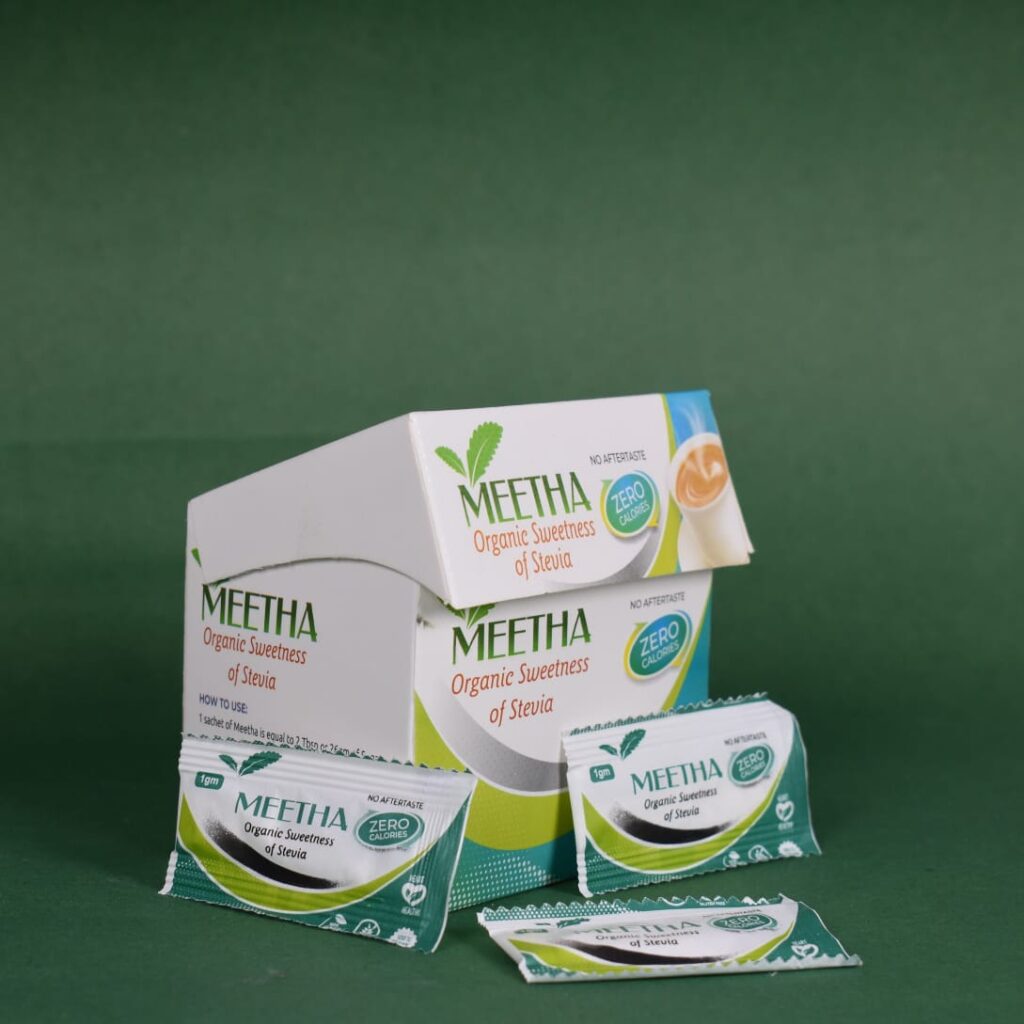
MEETHA STEVIA · NATURAL SWEETNESS
Nature’s Sweet Secret in Every Sip!
Enjoy the sweetness of life with Meetha Stevia — a convenient sugar alternative for your everyday tea, coffee, and favorite drinks.
SHOP NOW
A sweeter choice for your daily routine.
Why Choose Meetha Stevia?
Plant-Based Sweetness
Sweetness derived from stevia.
Perfect for Drinks
Add sweetness to tea and coffee.
Convenient to Use
Easy to add to your daily routine.
Mindful Choices
Explore alternatives to regular sugar.
How to add this block in Elementor
- Open your WordPress dashboard.
- Go to Pages → Home → Edit with Elementor.
- Click the + icon to add a new container.
- Add a heading, text editor, image, icon boxes, and button widgets.
- Use a soft cream background (
#F3F0E4), dark green headings (#28452D), and green buttons (#456B43). - Link the Shop Now button to your Meetha Stevia product page.
- Click Update to save your changes.
My recommendation: Place this block just below your homepage hero section so visitors can quickly understand your product and find the shopping button.